til
Open with Code
Turned out I didn’t have “Open with Code” set up this entire time. I had to right-click within a folder, “Open in Git Bash here”, then code ..
Setup
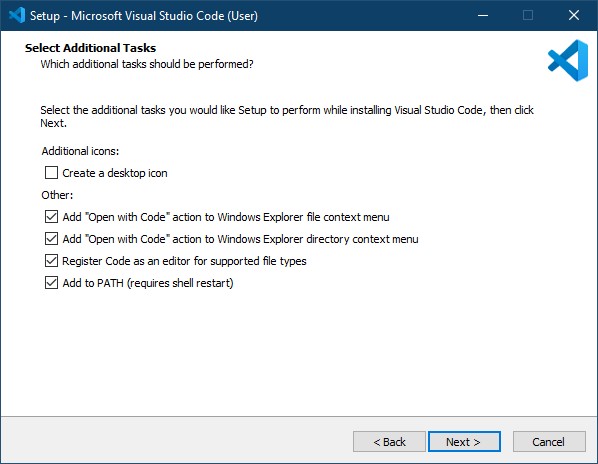
To get “Open with Code”, I had to reinstall1, and make sure to check the following:
The default terminal was PowerShell. I switched it to WSL with Select Default Profile2.
WSL
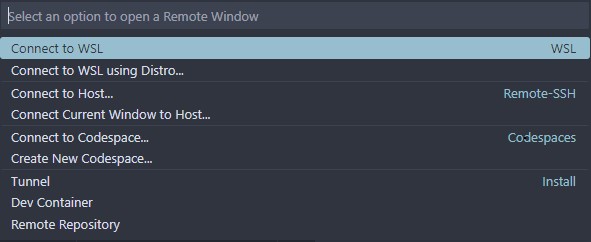
This runs on my Windows host. But VS Code allows me to connect to it as a remote window. When connected this way, everything I do in VS Code will execute in the WSL environment3.
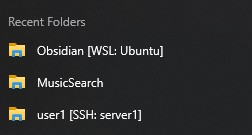
After opening a folder for the first time, I left-click VS Code on my taskbar, drag up, and select what I’m looking for from the Recent Folders.